
 美化powershell
2024年11月5日小于 1 分钟
速通版
官网Oh My Posh链接
安装Oh My Posh
打开 powershell 输入
winget install JanDeDobbeleer.OhMyPosh -s winget安装完成后重启 powershell
- 新建配置文件
New-Item -Path $PROFILE -Type File -Force安装字体
oh-my-posh font install- 官方推荐使用 Meslo,字体选择 Meslo LGM NF
- 安装完成后重启 powershell
选择主题
- 输入指令查看所在目录
Get-PoshThemes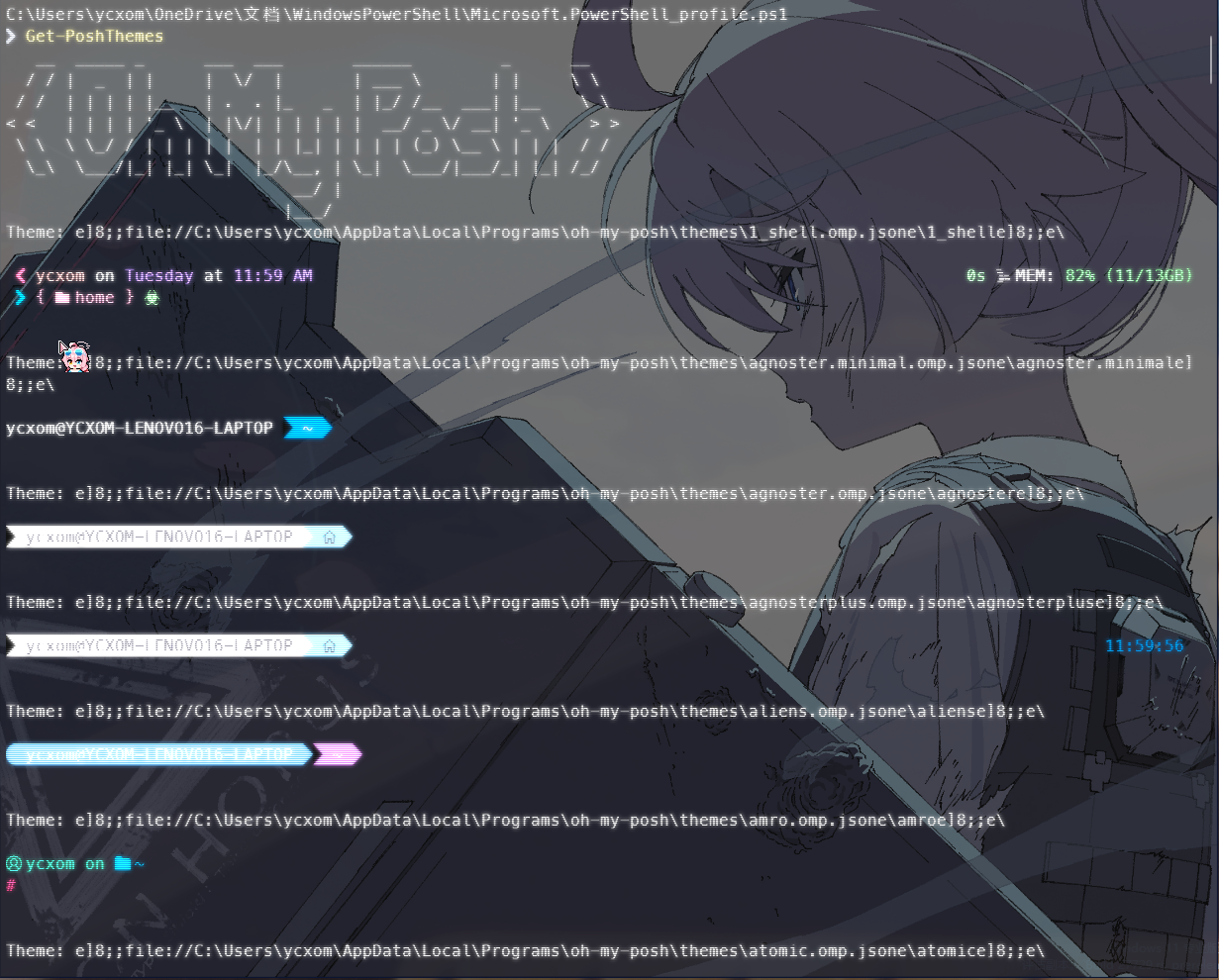
编辑配置文件
notepad $PROFILEoh-my-posh init pwsh --config 'C:/Users/<你的用户名>/AppData/Local/Programs/oh-my-posh/themes/night-owl.omp.json' | Invoke-Expression提示
注意目录对应文件 :::